
What an SPL figure tells you
Sound pressure level, written dB SPL, measures how much sound pressure reaches a microphone at a given point, relative to a fixed reference. The scale is logarithmic: every 6 dB is a doubling of sound pressure, and a change of about 10 dB is commonly described as sounding roughly twice as loud. Small differences on a spec sheet therefore matter. A pair quoted 6 dB higher than another is not a little louder; it delivers about twice the sound pressure at the measurement point, and it also leaks correspondingly more.
Across the category, open-ear audio glasses quote peak output of about 75 to 90 dB SPL, on the manufacturer's own measurement method. That last phrase is the important one. An SPL figure only means something with its conditions: the fixture or head simulator used, the microphone position relative to the port, the test signal, the volume step and whether the figure is a peak or an average. Two plants can quote the same number for very different listening experiences, so the desk always asks for the method alongside the figure.
Why open-ear volume behaves differently
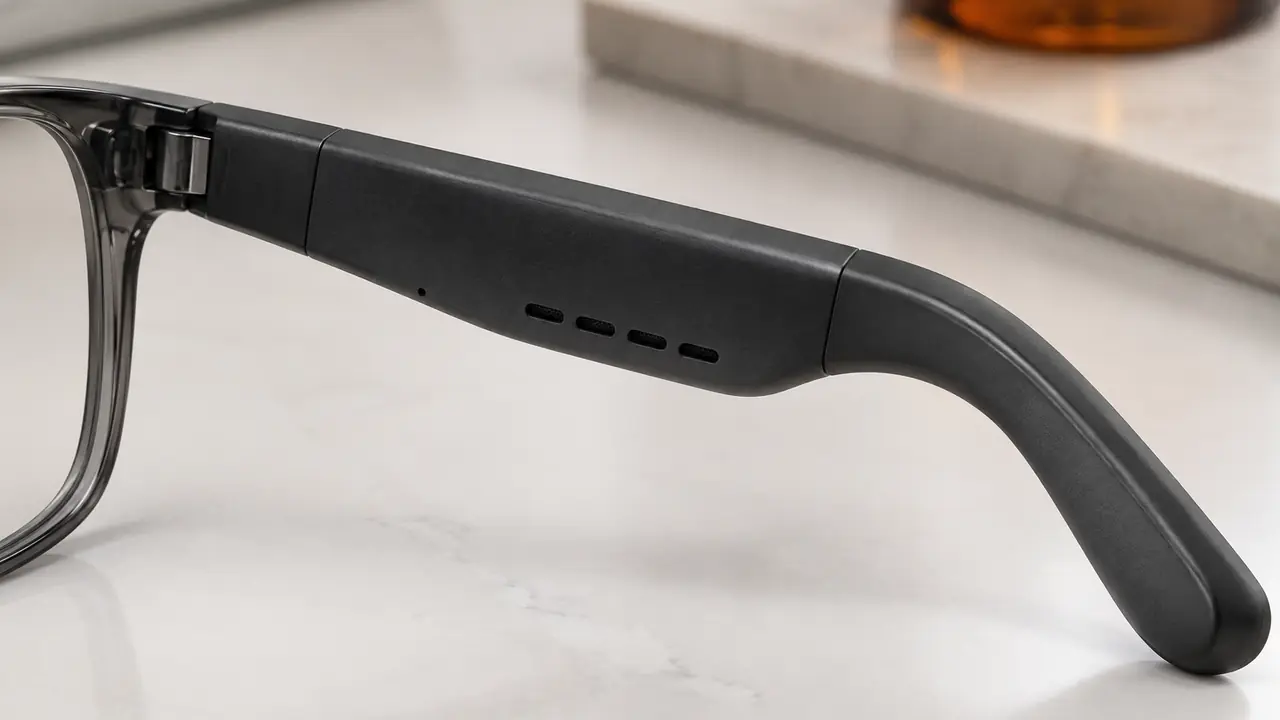
Earbuds seal the ear canal, so a small driver produces high pressure at the eardrum and external noise is partly blocked. Open-ear glasses do neither. The speaker sits a short distance from the ear and the ear stays open, so the level that reaches the wearer depends on fit, head shape and room noise as much as on the driver. On a quiet street a mid volume step feels ample; next to a bus the same step can feel faint. Customers who say a pair is too quiet are often describing this, not a fault. The fit and settings side of that complaint is covered in audio glasses sound too quiet.
Open-ear volume also has a ceiling set by leak and distortion. Pushing a small driver harder raises distortion and spreads more sound to people nearby, so the useful maximum is usually set below the absolute maximum the driver could produce. The trade-offs with leak are in sound leakage causes and fixes.
The parameters behind the volume control
A plant tunes volume in the firmware of the Bluetooth audio SoC. The table lists the parameters worth agreeing explicitly, because each one changes what customers experience.
| Parameter | What it controls | Decision for the buyer |
|---|---|---|
| Number of volume steps | How finely the wearer can adjust | Enough steps that the quiet end is usable indoors |
| Step size | Change in level per tap or swipe | Even steps, or finer steps at the low end |
| Maximum step | The loudest setting available | Set by leak, distortion and use case |
| Limiter | Stops peaks from distorting the driver | Threshold that keeps loud tracks clean |
| Low-volume equalisation | Adds low-end at quiet settings | Whether music sounds thin at low volume |
| Call volume | Separate level for the far-end voice | Independent of music, or linked |
| Prompt volume | Level of tones and voice prompts | Audible outdoors without startling indoors |
| Volume cap option | A lower maximum the app can enable | Needed for kids lines and some enterprise buyers |
Phones also have their own volume control, and Bluetooth audio usually syncs the two, so the glasses' steps map onto the phone's slider. Whether absolute volume sync is used, and how the steps map, should be checked on the phones your customers use.
Setting tuning targets by use case
A tuning target is a short written statement of what the volume should do, in terms both the buyer and the plant can check. It is better than a single SPL number because it ties level to context.
- Office and calls. Comfortable speech level at a low-to-mid step in a quiet room; maximum step capped to keep leak modest; call volume independent of music.
- Commuting. Speech intelligible at a mid-to-high step near traffic; limiter set so loud passages stay clean.
- Outdoor sport. Higher maximum accepted, with wind and movement in mind; prompts audible over wind.
- Kids lines. A volume cap per firmware enabled by default, adjustable only through the parent account in the app where the program includes one, as described on kids smart glasses.
For each target the desk records the playlist, the call script, the room or street condition and the step at which the target should be met, then checks engineering samples against it. Once agreed, the tuning file version is frozen on the golden sample.
It also helps to listen at the lowest steps, not only the highest. Many complaints about volume are really about the quiet end: the first step is too loud for a silent room at night, or the gap between two steps is too large to find a comfortable level. Finer steps at the low end usually fix this without changing the maximum.
Standards and documentation
Acoustic output from personal audio devices is addressed in safety standards in some markets; in the EU, for example, EN 62368-1 contains clauses on acoustic output for personal music players. Whether and how these apply to a given pair of open-ear glasses is a question for your test lab, and the answer can depend on how the product is classified and marketed. The desk collects the relevant sections of the test report per project and does not give legal conclusions. Wider certification scope is summarised in the certification guide.
- Agree the method. Fixture, microphone position, signal and step for every SPL figure.
- Write targets. One line per use case, as above.
- Tune samples. Plant adjusts steps, limiter and equalisation per firmware.
- Freeze. Tuning file version recorded on the golden sample.
- Verify batches. Output at the maximum step checked on batch samples per the agreed method.
Volume in the sourcing program
Volume tuning is one of the few acoustic levers available on a catalog model, because it lives in firmware. A plant can often load an agreed tuning file on a logo program before shipment, provided it is approved on the golden sample. Typical starting quantities are 50 to 500 pairs per catalog model and 500 to 1,000 pairs for a logo program; kids lines typically start from 1,000 pairs per model. These are reference ranges confirmed in writing per program on MOQ and lead time. Describe your use cases on the quote form and the desk will turn them into tuning targets for sampling.